Build a résuméthat AI helps you tell your story
From motivation drafts to typo checks and PDF export.
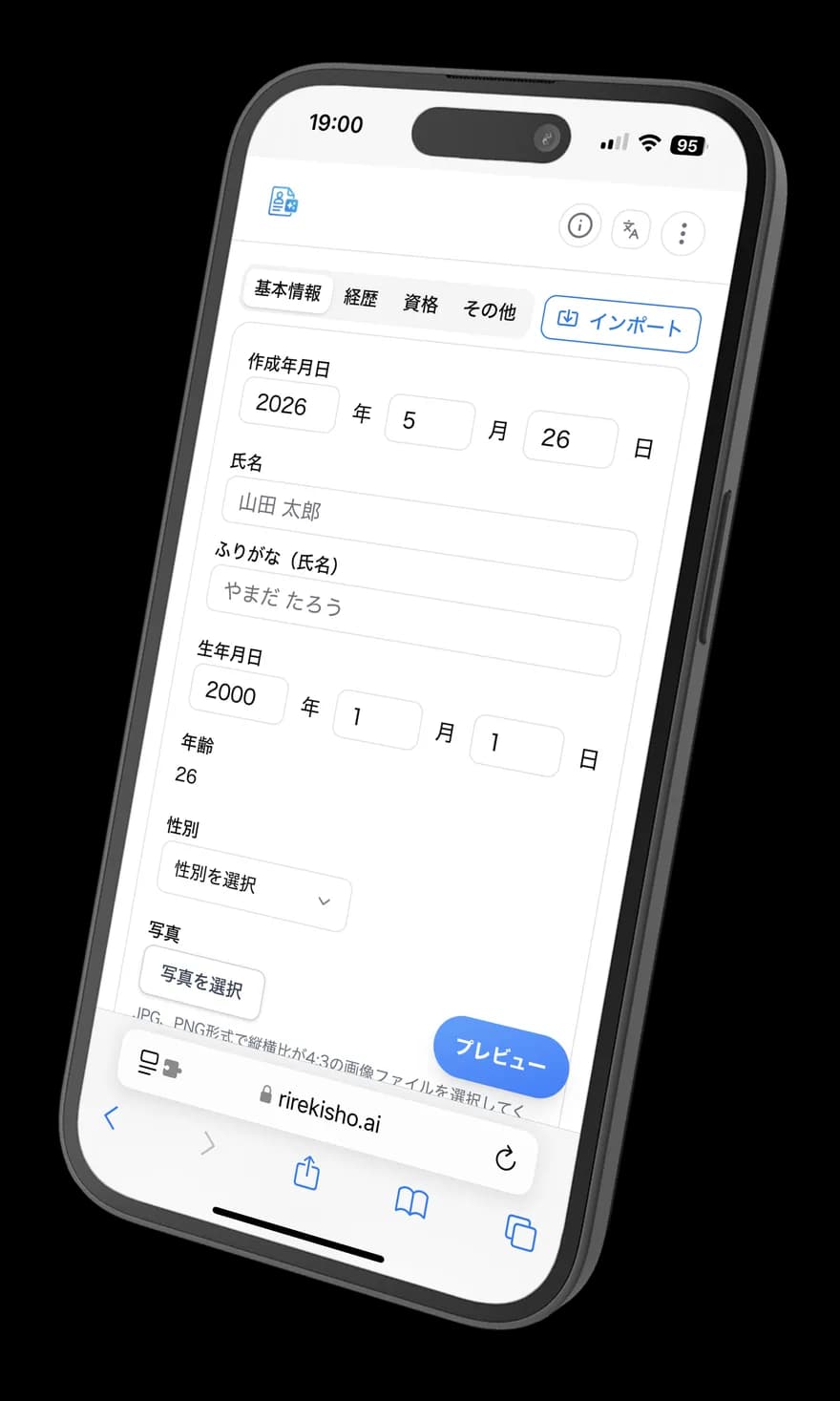
AI supports Japanese résumé (履歴書) creation
- ✓ Completely free
- ✓ No login
- ✓ No data stored
Stuck on your résuméfor one of these reasons?
Motivation statements, export, and privacy concerns are common hurdles.

Can't write a motivation statement
You don't know what to write and end up staring at a blank page.
PDF export and layout are tedious
Formatting and exporting take more time than you expected.

Worried about sharing personal data
Services that require accounts or store data feel hard to trust.
Rirekisho AIgently addresses those concerns
Motivation, export, privacy—we answer common résumé worries with dedicated features.
AI support for motivation & self-PR
When you're unsure what to write, get draft text tailored to your inputs.
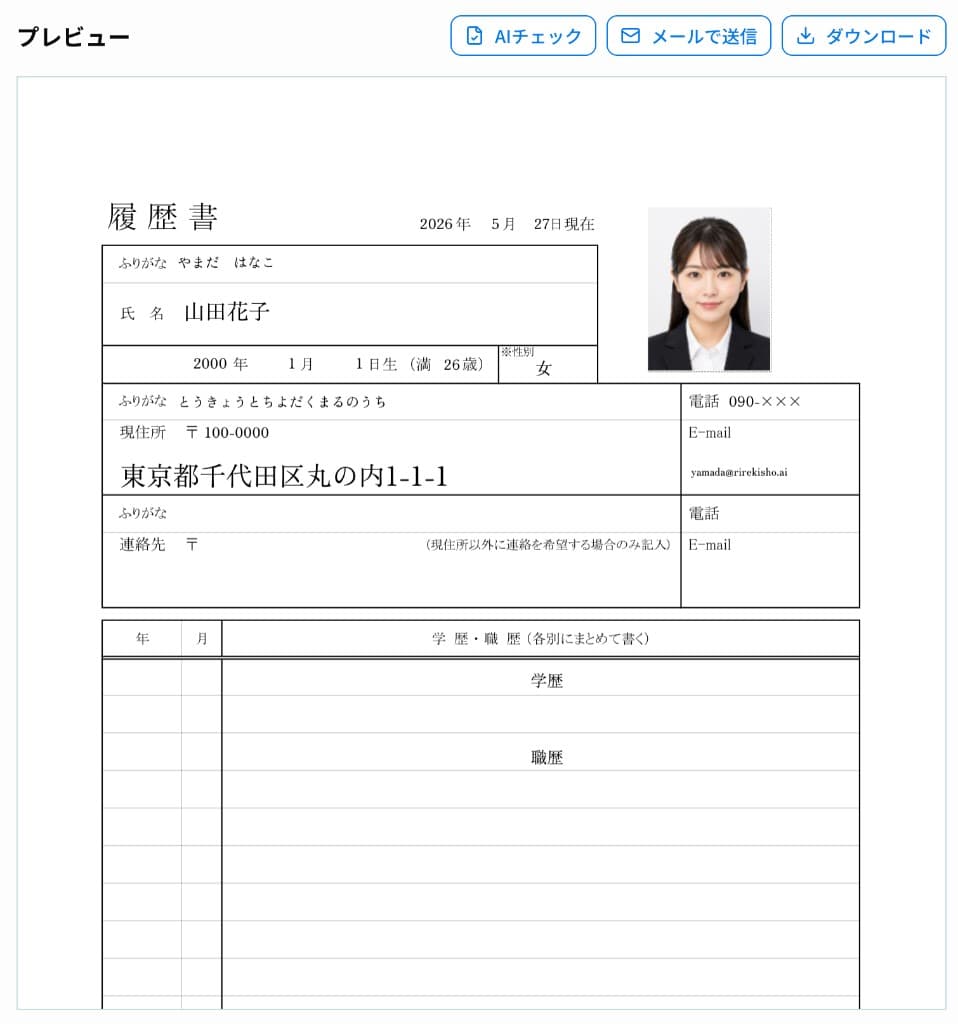
Preview to PDF export
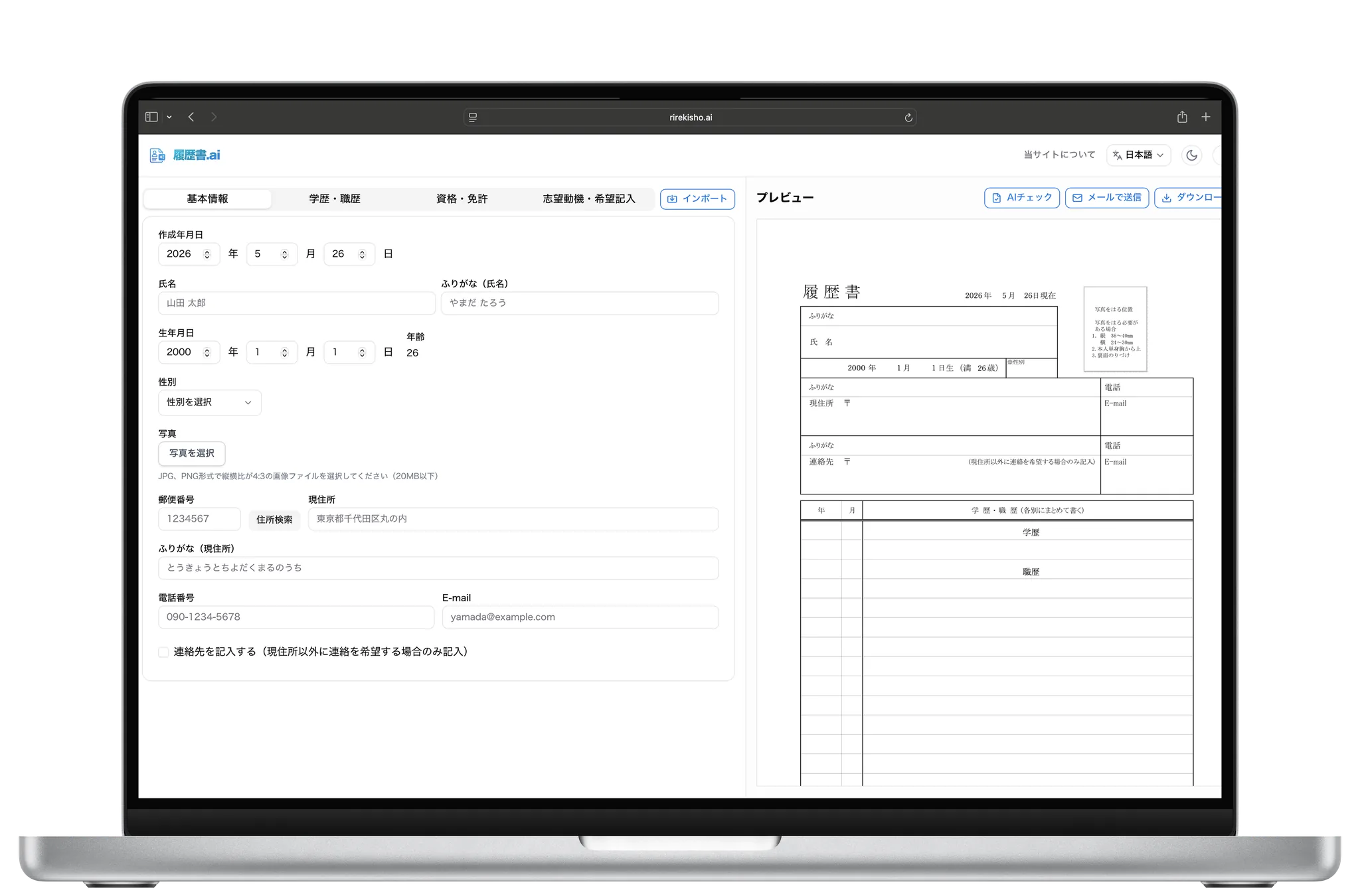
See your résumé as you type. Save as PDF when done—no manual layout work.
No sign-up · No data stored
No account or login required. Designed not to store your inputs on our servers.
\ Three easy steps /
Create your résumé in just3steps
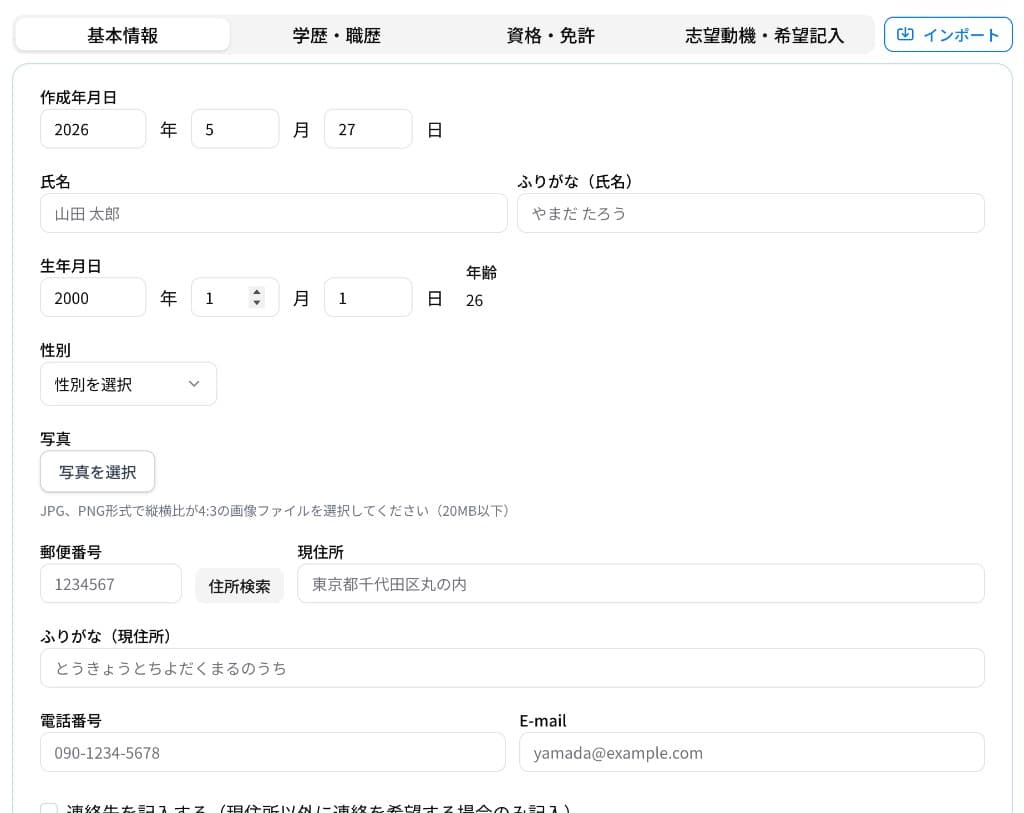
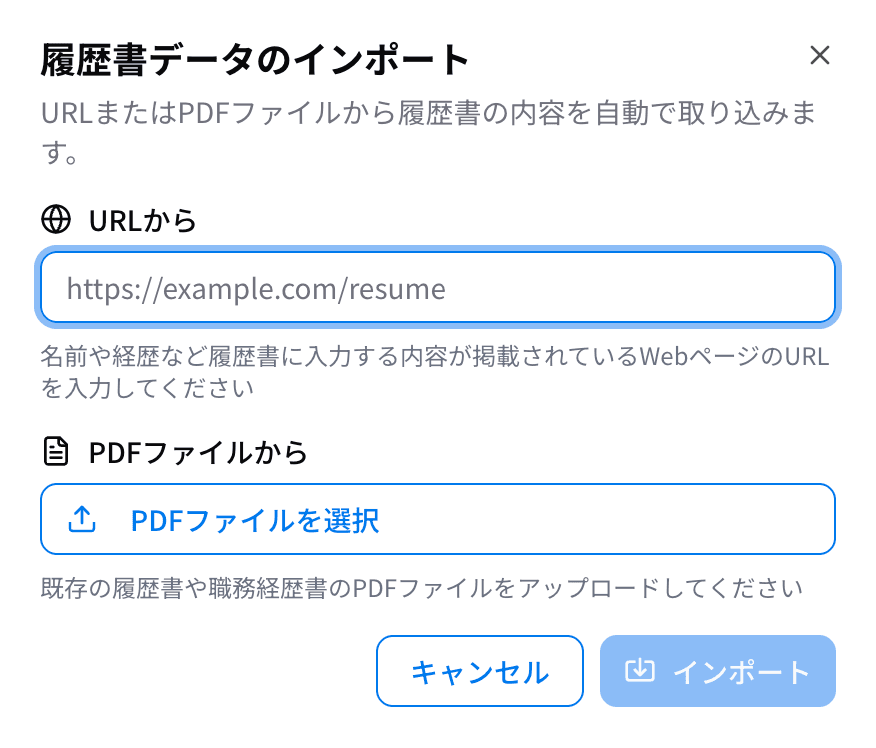
Enter or import
Fill in basics, education, work history, and qualifications—or auto-import from a URL or PDF.
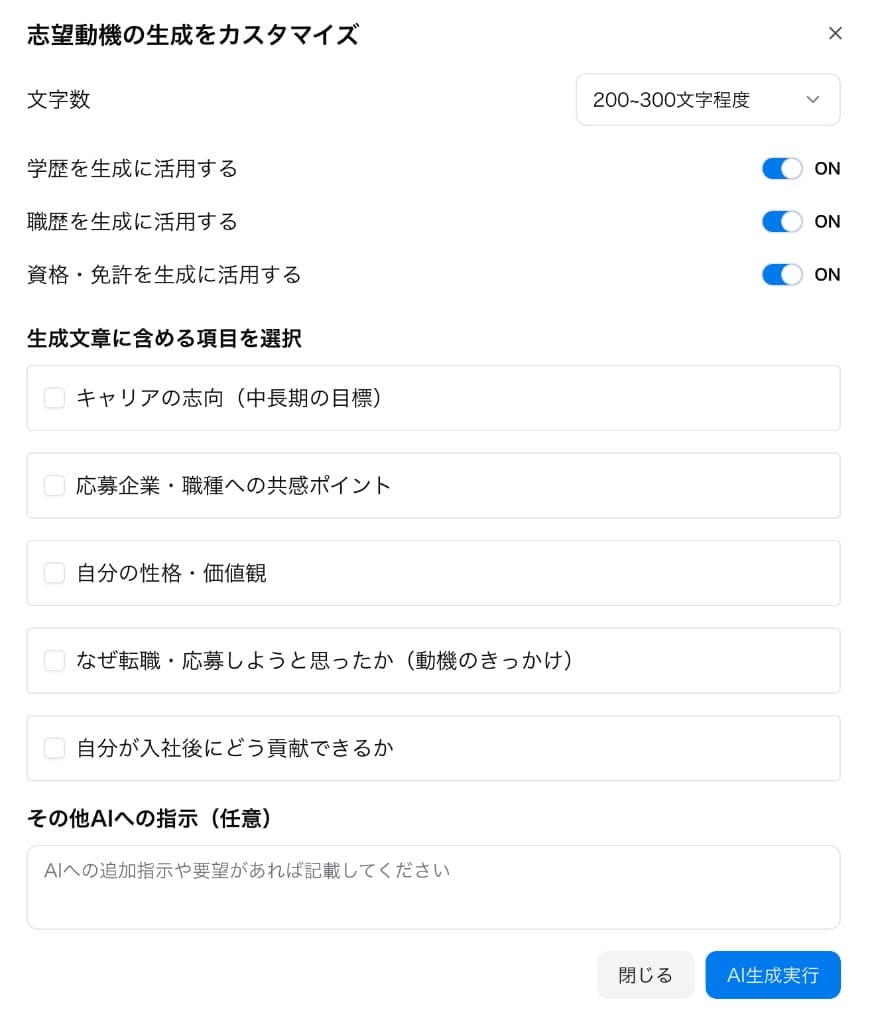
AI generate & check
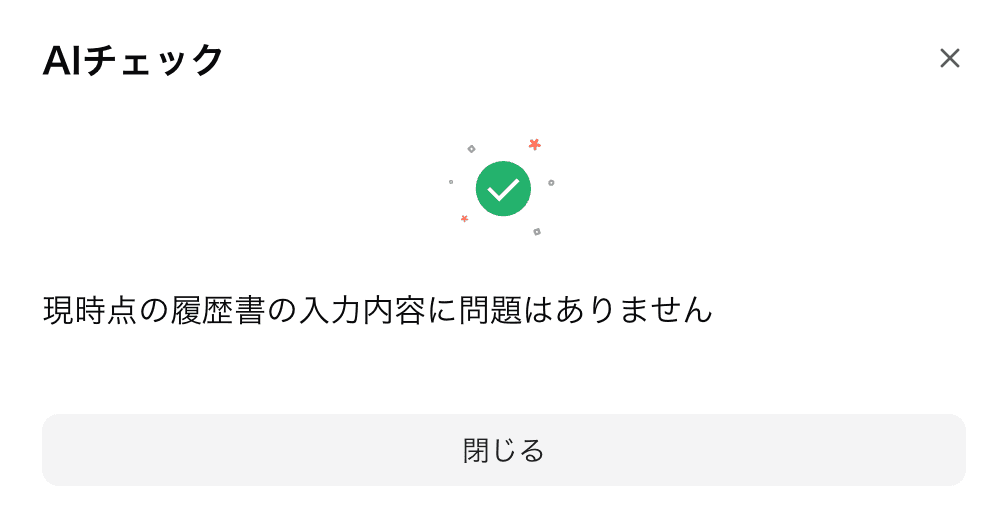
AI helps draft your motivation statement and checks typos and awkward phrasing.
Finish & export
Save your finished résumé as PDF—ready to apply or send by email.
Create, check, and exportEverything for your résumé inone place
All the tools you need for résumé creation.
Motivation AI drafts
Get draft text tailored to the role and your background—and send custom instructions to AI to refine the tone.
Typo & grammar check
AI check scans your résumé for typos, misspellings, and awkward phrasing.
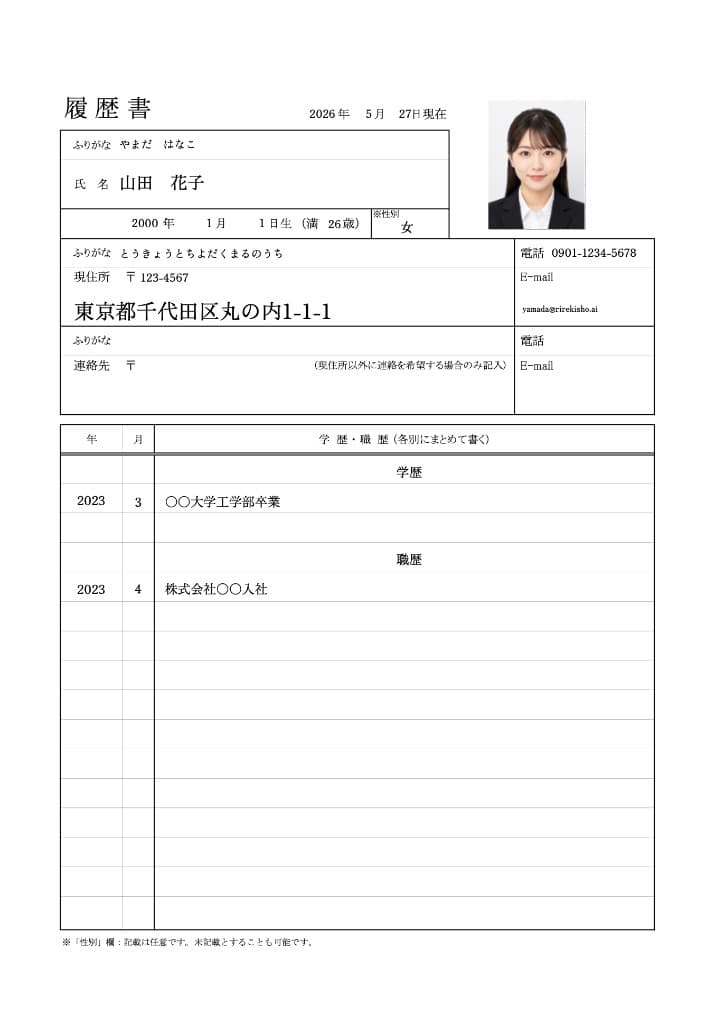
Live preview
See how your résumé looks as you type.
PDF download
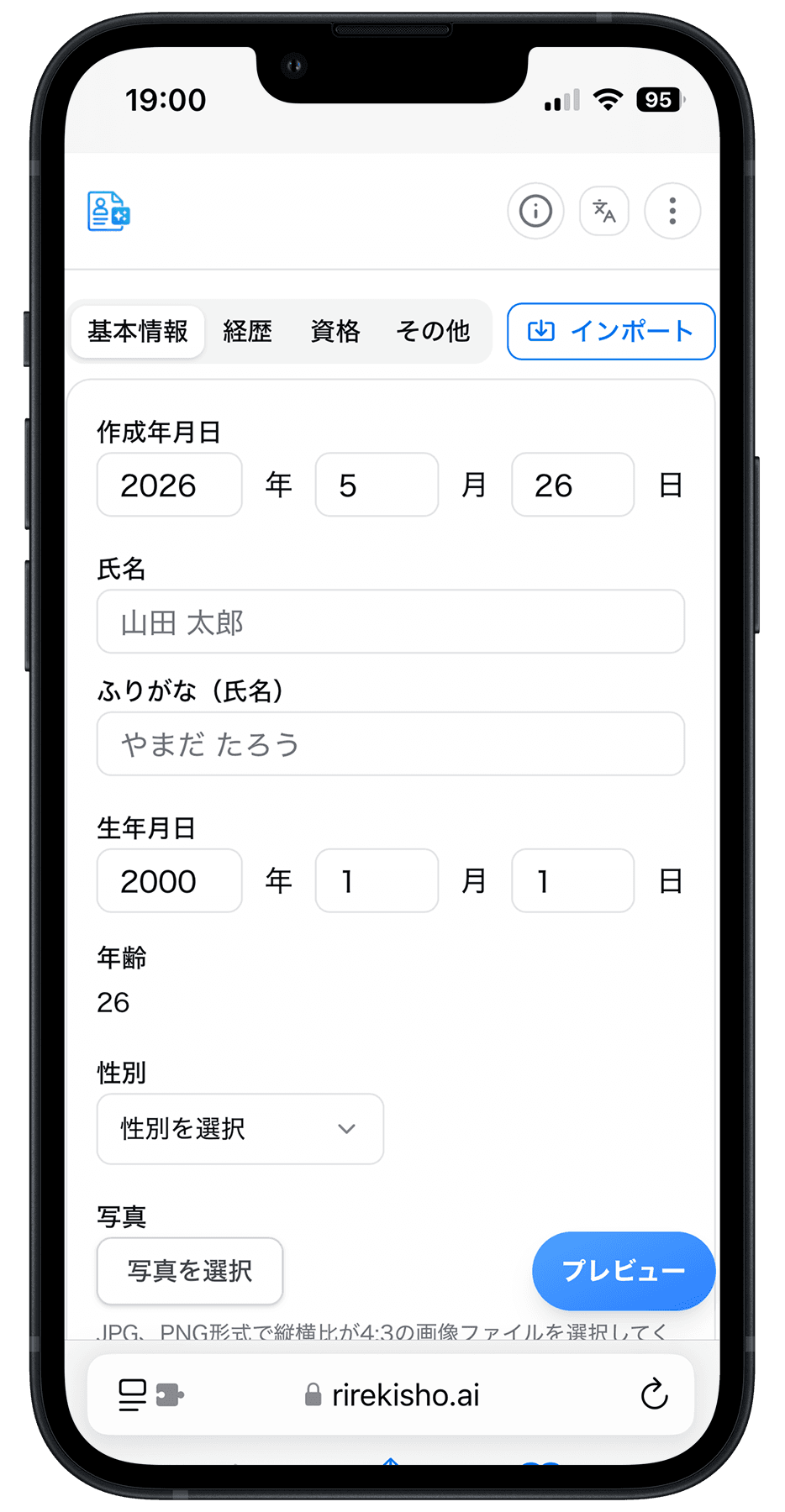
Save your finished résumé as PDF—from your PC or smartphone.
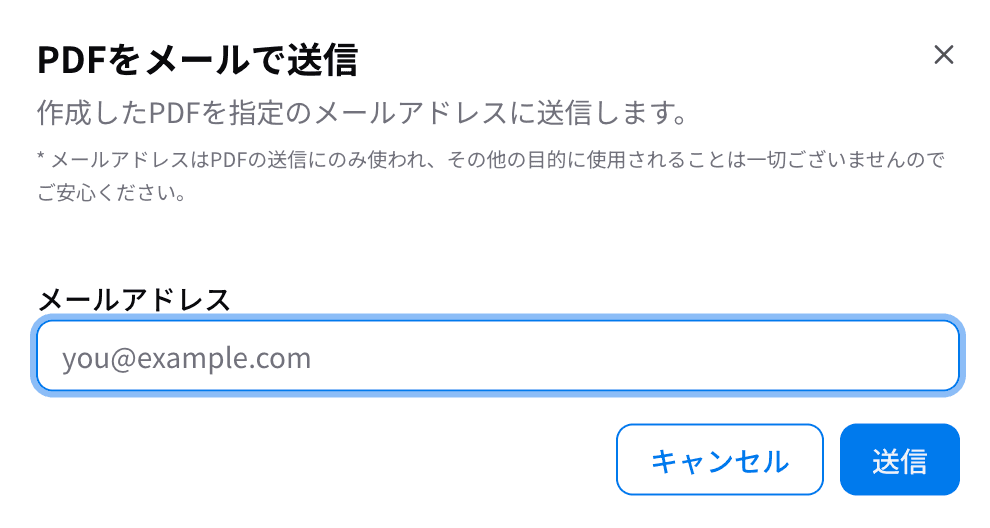
Email send
When you need to, send your finished résumé directly by email—easily as a PDF to recruiters or yourself.
ID photo slot
Upload an ID photo and place it on your résumé.
Import
AI reads information from PDFs and websites and auto-fills résumé fields—greatly reducing tedious manual entry.
Motivation AI drafts
Get draft text tailored to the role and your background—and send custom instructions to AI to refine the tone.
Typo & grammar check
AI check scans your résumé for typos, misspellings, and awkward phrasing.
Live preview
See how your résumé looks as you type.
More features
- PDF download
- Email send
- ID photo slot
- Import
All data is handled securely
Because we handle personal data,we designed for peace of mind
Start instantly—no sign-up
We don't keep your inputs
Free core features
Start instantly—no sign-up
- No login or account required to start creating.
- Works entirely in your browser—no app install.
We don't keep your inputs
- Your entries aren't stored on our servers.
- Save only the finished PDF when you're ready.
Free core features
- Everything you need to create a résumé is free.
- From drafting to PDF export—no extra fees.
New grad, career change,part-time jobsand more.
Rirekisho AI supports many kinds of applications
New graduate job hunt
First résumé? Move forward without getting lost.
Career change
Organize work history and motivation smoothly.
Part-time work
Simple flow when you're on a deadline.

FAQ
- What is Rirekisho AI?
Rirekisho AI is a free web service to create, preview, export as PDF, and email Japanese résumés (履歴書) in your browser. The layout references the sample form published by Japan's Ministry of Health, Labour and Welfare.
- Is it free? Do I need an account?
It's free. No login or registration is required.
- Is my data stored on your servers?
We do not permanently store résumé input in our database. See our Privacy Policy for details. Email sends may be retained per our email provider's policy.
- What does the AI actually do?
Examples: (1) help import from URLs/PDFs, (2) draft motivation text, (3) typo/grammar checks. AI output may contain errors—always review before submitting.
- What file formats can I export?
You can download PDF and send PDF to an email address you specify.